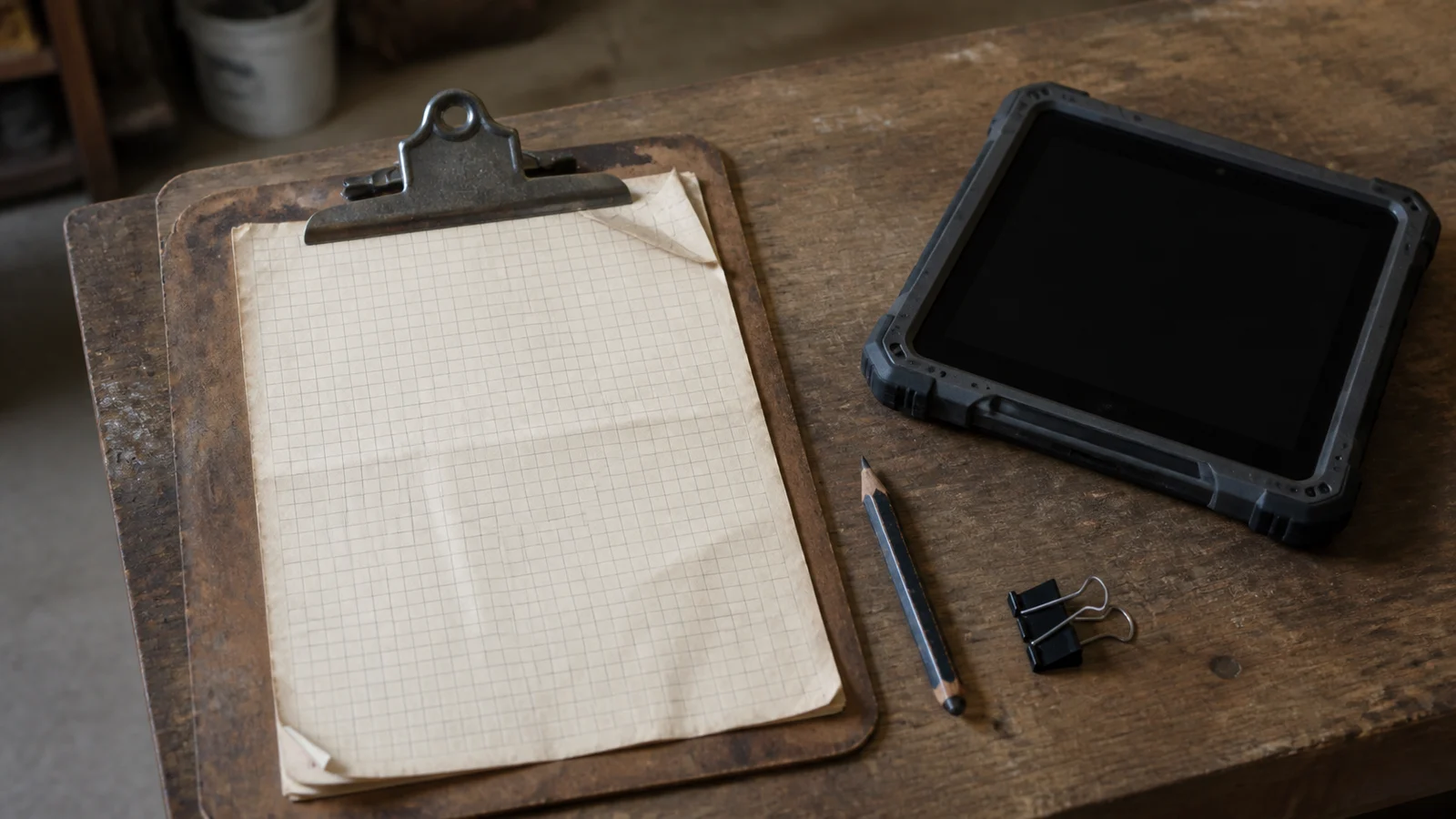
A clipboard is easy to underestimate.
It looks like a form with a hard surface behind it. Replace the paper with a tablet, reproduce the fields, add a submit button, and the digitization project appears mostly finished.
I have worked on field systems for inventory counting and safety work across mobile, web, backend, and cloud services. The technical pieces mattered, but the harder lesson was this: the paper was carrying more of the workflow than anyone had written down.
People added notes in the margin. They changed the order of the questions. They folded the sheet to mark their place. They knew which answer required a phone call even when the form did not say so. The official process lived on the page; the usable process lived in the person holding it.
When we replace the clipboard, we are not just changing the input device. We are asking the software to take responsibility for all of that unwritten judgment.
Paper is forgiving in ways software is not
Paper accepts ambiguity. That is both its weakness and its strength.
A person can circle two answers, draw an arrow, add a question mark, or leave a note that only makes sense to somebody back at the office. The form remains usable because humans negotiate the gap between what it asks and what the situation allows.
Software prefers a clean state. One option is selected. A required field is complete. The record passes validation. That cleanliness is useful for reporting and automation, but it can also erase the exception that mattered most.
This is where many digitization projects become frustrating. The new tool is technically correct and operationally awkward. It captures the fields but not the work.
The response is often to add more fields. That can make the problem worse. Every exception becomes another dropdown, conditional section, or required explanation until the form is comprehensive and nearly unusable.
The goal is not to encode every possible thought a worker might have. It is to understand which decisions the system must structure and where a person still needs room to explain what happened.
The environment is part of the interface
Field software is designed in one environment and used in another.
At a desk, the screen is bright, the connection is stable, and both hands are free. In the field, the user may be moving, wearing gloves, working in poor light, sharing a device, or standing where the network is unreliable.
Those conditions are not edge cases. They are the product requirements.
A control that looks elegant in a design file may be difficult to hit repeatedly. A workflow that depends on a round trip to the server can stop the job when connectivity disappears. An error that asks the user to begin again can turn a minor interruption into lost work.
This changed how I think about mobile interfaces. The right question is not whether the form fits on a smaller screen. It is whether the person can complete the job in the place where the job actually happens.
That usually means fewer decisions per screen, obvious progress, safe local state, and a clear answer to what happens when synchronization fails. It also means treating interruption as normal. A field worker should be able to stop, deal with something more important, and return without reconstructing where they were.
Observation beats a perfect requirements document
The people requesting the software can explain the process they believe exists. The people doing the work reveal the process that survives reality.
Both perspectives matter, but they are not interchangeable.
When I am trying to understand a paper workflow, I want to see a real form after it has been used. Which fields are consistently blank? What gets written in the margin? Where does somebody pause? Which information is copied into another system later?
Those are not signs that the workers are ignoring the process. They are evidence about where the process and the work have separated.
This is also why a direct translation of the form is rarely enough. The paper may exist because of a constraint that disappeared years ago. Digitization is a chance to remove unnecessary steps, not preserve every box out of respect for the original layout.
But redesign has a boundary. If the team cannot explain why people use a workaround, removing it is not improvement. It is just taking away their escape route.
What I look for now
I start these projects with a different set of questions than I used to:
- What decisions are experienced people making that the form never asks about?
- What must still work without a connection?
- What happens to unfinished work when the app closes?
- Which exceptions need structure, and which need a plain place to leave context?
- Who uses the captured information next, and what do they need to trust it?
None of these questions are specific to a framework. They determine whether the software belongs in the workflow at all.
There is still a place for strict validation. Safety, billing, compliance, and inventory records can require unambiguous answers. The point is not to make every field optional. It is to be deliberate about where the system enforces a rule and where it acknowledges that real work is messier than the form.
I once thought digitizing a process meant making the paper faster, searchable, and easier to report on. Those benefits are real, but they come later.
The first responsibility is to understand what the clipboard was quietly allowing people to do.
If the new system cannot preserve that judgment—or replace it with something genuinely better—it has not digitized the work. It has only digitized the boxes.